
Welcome to the 2026 Explore MORE toolkit!
Find everything you need to run the program! If you need help just submit a HelpDesk ticket or email Reb directly at [email protected].
2026 theme and branding
This year’s theme is “Find Your Treasure at the Library”.
You can open png of the theme image and download it for your use.
If you want to use the decorative font, it’s called Twiddlesticks. Twiddlesticks is free to download on DaFonts.
Social media week by week.
Week 1 social media
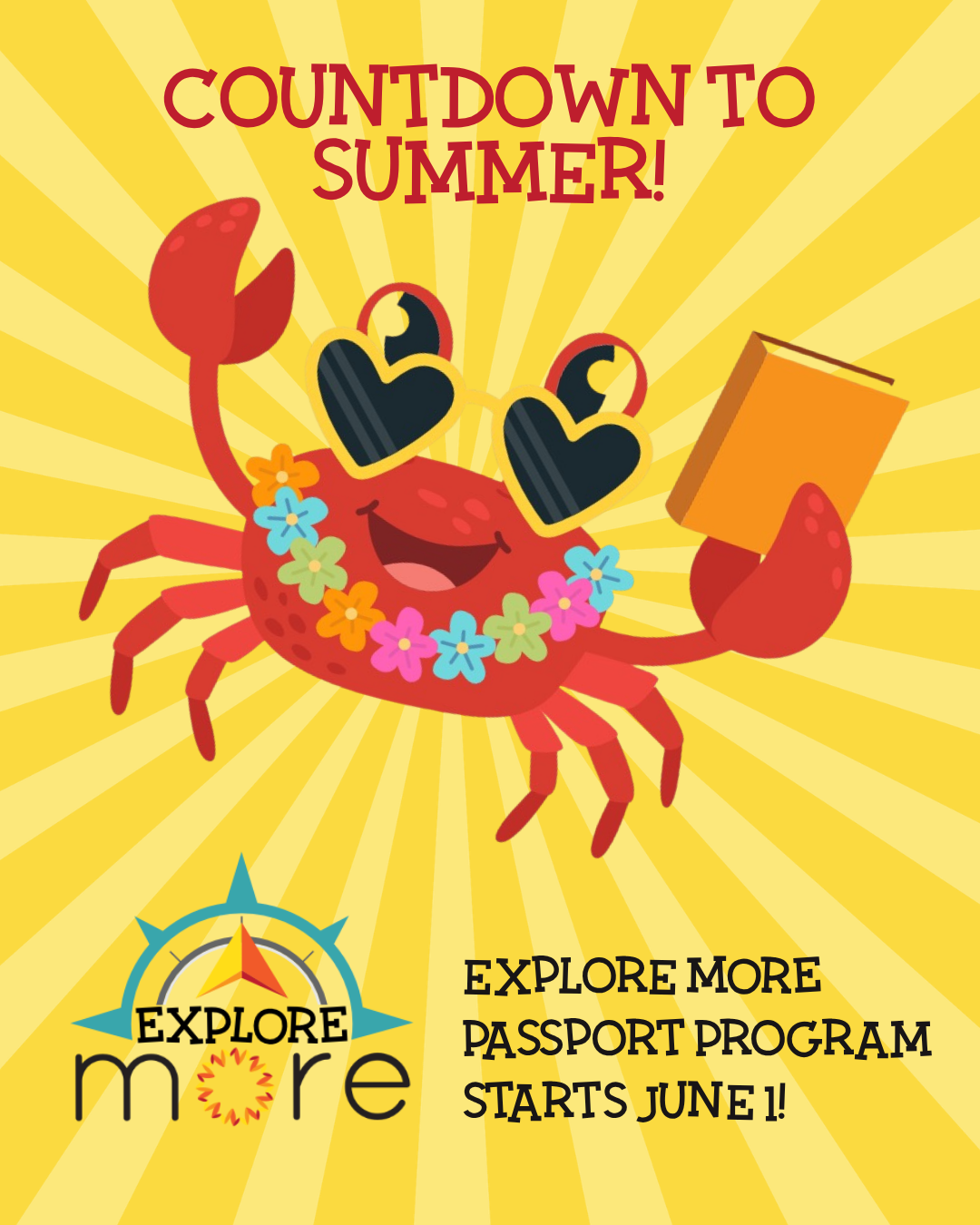
Alt text: Dancing crab is happy about summer and books
Before June 1 (pre-launch)
Build excitement for the program! You could put a poster (or more!) in the library, post on social media, add it to your newsletter. Word-of-mouth is very effective marketing!
You all have your own communication styles! Here are the main points to cover:
- Starts June 1, and ends August 31.
- This is our fifth year!
- Prizes will be announced.
- One passport per participant. Complete rules are on the passport, on the public website, and on this toolkit page.
Poster
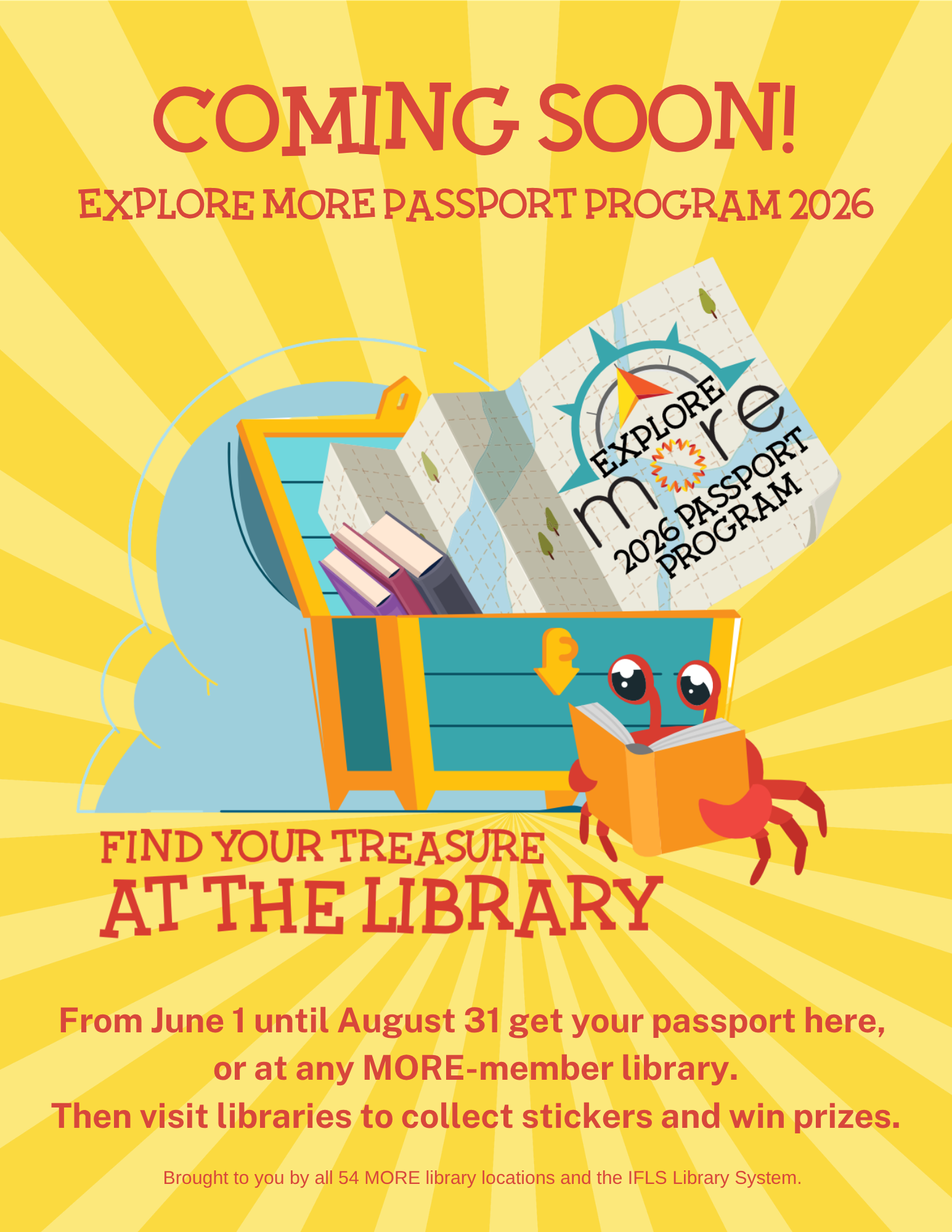
- If you want to customize the Coming Soon poster, use the Canva template.
- If you want to print the Coming Soon poster, open the pdf to print.
Passports basics and Q&A recording
Passport Program Basics
The Explore MORE Passport Program runs from June 1 to August 31, 2025.
Set up your passport station
You’ll need:
- Passports
- Tally sheet (If you think you might use more than one, make a copy of it. You can also open the Tally Sheet Canva template.) NOTE: please make sure your library name is on the sheet, and make up a phone code and write it on your sheet.
- Entry forms (Copy from the master included in the packet, or make more copies with the Entry Form Canva template.) You’ll probably also want to print a few of the staff entry forms. This Staff Entry form pdf is for printing 4 on one page.
- Library stickers
- Bonus stickers
Email Reb ([email protected]) or submit a HelpDesk ticket if you need more passports or stickers. (If you want to be able to print your own stickers, I use Avery 1″ round labels, 63 labels per sheet. Submit a HelpDesk ticket and ask for your passport label pdf.)
Giving out library and bonus stickers
- When a person brings in their passport, make sure your library spot is blank, and then give them one of your library stickers.
- Library bonus stickers are the small iridescent stars or smiley faces. When a person brings in proof that they’ve visited a non-MORE library (like a selfie, a brochure, or a business card) they get a bonus sticker. Fill in the name of the library and location on page 10 of the passport, and add the sticker yourself.
- For each person, add one hashmark to the tally sheet, even if they collected multiple stickers.
7 stickers = 1 entry form
- Once someone has 7 of any stickers (library stickers and library bonuse stickers) they can redeem them for an entry form.
- With a pen or marker, make a large “x” over the sticker, so the sticker won’t be counted more than once.
- This year, there is no double bonus for Price and Rusk counties. With the reduced number of visits needed for an entry form, residents of those counties will still be able to earn an entry form fairly easily.
Super Explorer bonus
The Super Explorer bonus is for people that have visited all 55 MORE libraries. You put a bonus sticker on that spot on page 10. This bonus entitles them to an additional entry form. Please mark the Super Explorer box on the entry form when you give it to them! This is the only way I have to track our Super Explorers.
Phone/email Passport Explorers
Last year about 15 people participated by phone or email. This is a nice way to include people who can’t drive or have mobility issues. Record phone calls and emails in the small box at the bottom of the tally sheet.
Official Rules: How to be an Explorer
Stop into any MORE library to pick up your passport. (You can also download and print a pdf version of the passport.) One passport per person.
Visit libraries to collect stickers that earn entry forms. Return your entry forms to any MORE library before August 31, 2025, to be entered into a drawing to win prizes. You can earn up to nine entry forms.
There are three ways to collect stickers to earn entry forms:
1. Visit different MORE libraries to collect stickers. Each library has a unique sticker.
- 7 different library stickers = 1 entry form.
- You can earn up to 7 entry forms this way.
2. You can earn one extra entry form with bonus stickers.
- Visit up to 5 non-MORE libraries to earn one bonus sticker per library. Bring proof of your visit to any MORE library to collect your bonus stickers.
- Bonus stickers can be used together or combined with library stickers to reach the 7 stickers required to earn one additional entry form.
3. Visit all 55 MORE libraries to be a super explorer and get one extra entry!
If you’re unable to travel you can earn entry forms by calling or emailing libraries to collect codes. You’ll still need to go to the library to get and submit entry forms.
Turn in your entry forms to any MORE library before August 31, 2026.
Staff-only passports: June 1 to September 31
You are awesome! Thanks for being library staff. For the third year, you’ll have your own staff passport program, with staff-only prizes.
- Order your staff passport by submitting a HelpDesk ticket.
- Participate in the passport program.
- Request a Staff Entry form 4-up. Use the link to pdf to print.
- The staff passport program prize drawing will be in mid-October.